Playable Ads Tutorial: Building Your First Interactive Ad
by PlayableKit Education Tutorial
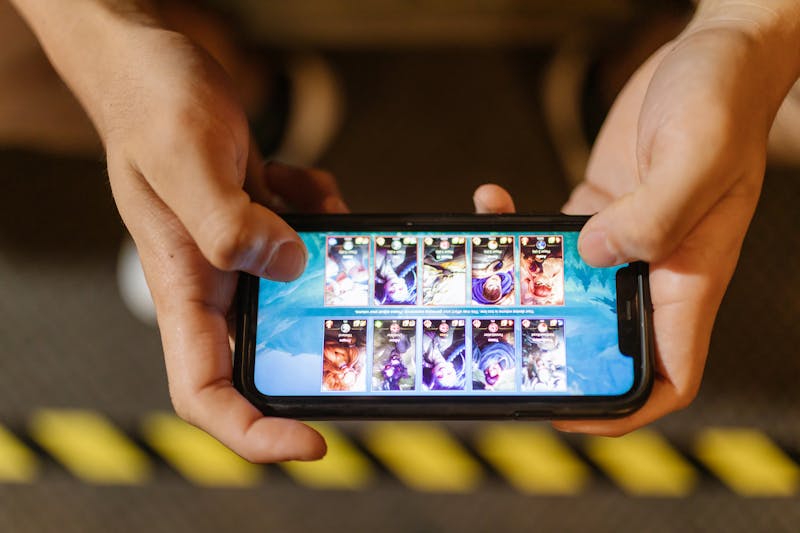
This playable ads tutorial will walk you through setting up a basic interactive scene using Phaser 3 and exporting it for a major ad network.
Setting Up Your Environment
- Install Node.js.
- Clone our Playable Ads Best Practices starter kit.
- Run
npm install.
Building the Game Loop
In playables, your game loop should be extremely simple. Focus on “Tap and React” mechanics.
The “End Card” Implementation
When the user wins or loses, show a beautiful “End Card” with a “Download Now” button. This button should call the network-specific CTA function.
Frequently Asked Questions
Can I use WebGL for playables?
Yes, but ensure you have a Canvas fallback for older mobile devices.
How do I test my playable?
Use the network-provided “Playable Previewer” or an MRAID testing app on a real mobile device.